Cada día ofrecemos un programa licenciado GRATIS que de otra manera tendrías que comprar!
Giveaway of the day — Autoplay Menu Designer
Autoplay Menu Designer estaba como Giveaway el día n 4 de octubre de 2009
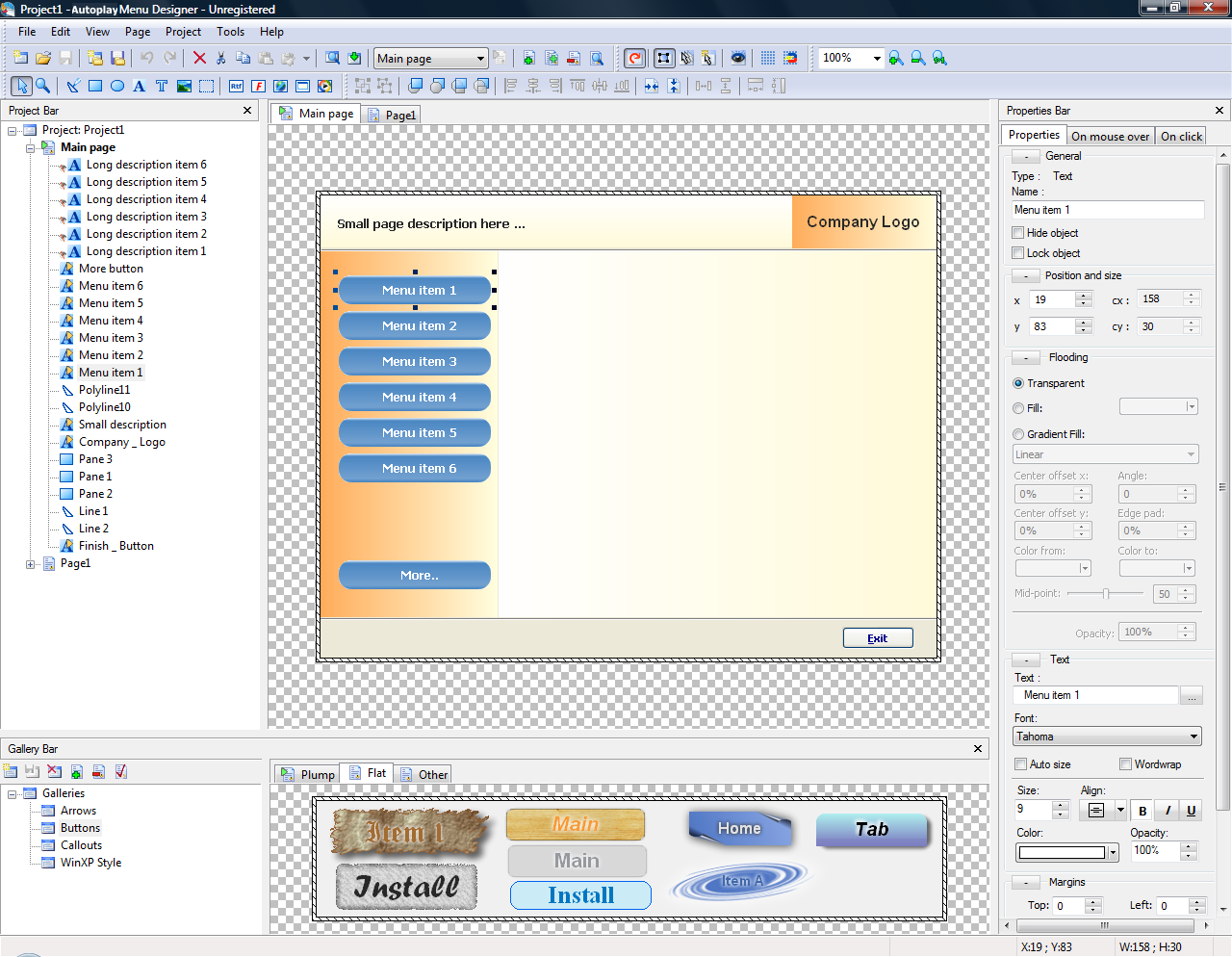
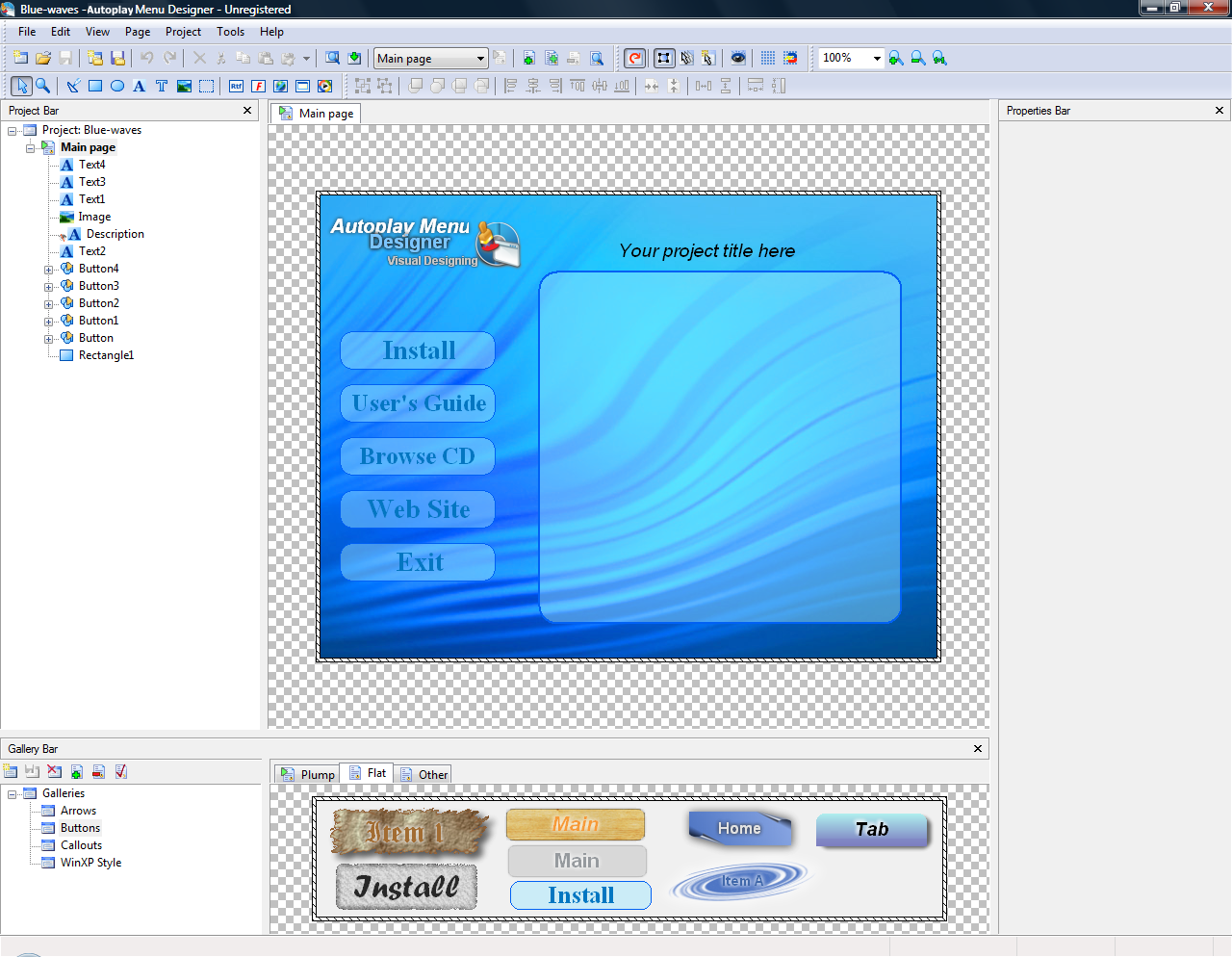
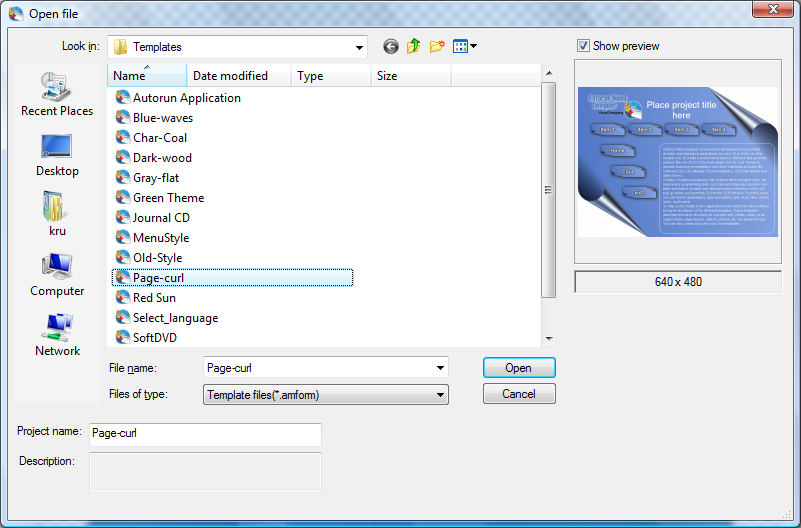
Autoplay Menu Designer crea menúes de autocargado profesionales para CD-ROM, DVD, USB Flash drives. El usuario puede crear un proyecto desde cero o usar una de las muchas plantillas prediseñadas, añadir gráficas, botones y eventos interactivos para crear un menú de autorun con muy buen gusto y una navegación simple. El programa te permite crear un número ilimitado de páginas para el menú, en incluso fusionar muchas páginas en una sola.
Autoplay Menu Designer es ideal para crear menúes autorun de CD para diferentes propósitos. Como desarrollador de software, por ejemplo, puedes crear un programa con disco de instalación con un diseño profesional, hacer un tutorial o una presentación y enviarla a los clientes. Los usuarios de hogar puede crear galerías fotográficas of discos de DVD con video para su colección casera o para ser entregadas como un regalo a un familiar, un amigo un colega, o en cualquier otro evento.
The current text is the result of machine translation. You can help us improve it.
Requerimientos del Sistema:
Windows 95, Windows 98, Windows NT 4.0, Windows 2000 and Windows XP (x32)
Publicado por:
VisualDesigningPágina Oficial:
http://www.visualdesigning.com/Tamaño del Archivo:
15.8 MB
Precio:
$39.95
GIVEAWAY download basket


Comentarios en Autoplay Menu Designer
Please add a comment explaining the reason behind your vote.

The Good
* You can create a menu from scratch or use a template (comes with 19 templates).
* Menus are fully customizable:
o You can have multiple "pages" for each menu.
o You can have unlimited buttons for each page.
o Each button can be set to do multiple tasks when clicked.
o You can add a written description for each button.
o Multiple different mouse-over effects available for buttons.
o You can insert RTF or HTML files into your menu.
o ...and more.
* Has a useful "layer" (think Photoshop) system.
* You can preview your menu before you publish it.
The Bad
* Interface organization and presentation makes the program look a lot more complicated than it actually is.
* Only "business license" users are allowed to remove the Autoplay Menu Designer watermark-like splash screen (we get "personal license" from GOTD).
* "Home Edition" (the one we are getting from GOTD) is limited to 10 pages per menu.
Free Alternatives
Compact AutoRunner
For final verdict, recommendations, and full review please click here.

Hurrah for Ashraf's reviews...always saves me a lot of time. In this case, instead of the publisher using GOTD to get loyal users who spread the word of the software, the publisher is just trying to get adverts onto people's CDs.... no thanks GOTD. Please encourage publishers to just use GOTD to make their software popular with the GOTD users....we then recommend the good stuff to people who buy it. I've bought three pieces of software (for other users) on here that I already got for free.
I agree with #1 Ashraf regarding the really unpleasant advertising "Splash screen" that will show up for the persons receiving a CD. Because of this, I will not use Autoplay Menu Designer.
Check out Ashraf's suggested alternative. He has complete directions on how to use Compact Autorunner. I also like the program better. A big thanks from me for the suggestion.
ADWARE! As Ashraf said:
>The Bad
* Only “business license” users are allowed to remove the Autoplay Menu Designer watermark-like splash screen.<
Ofertas de hoy para iPhone »





Ofertas de hoy para Android »





Good soft :)
Save | Cancel